
CAFÉ→HOME NAS
Reach your home NAS anywhere
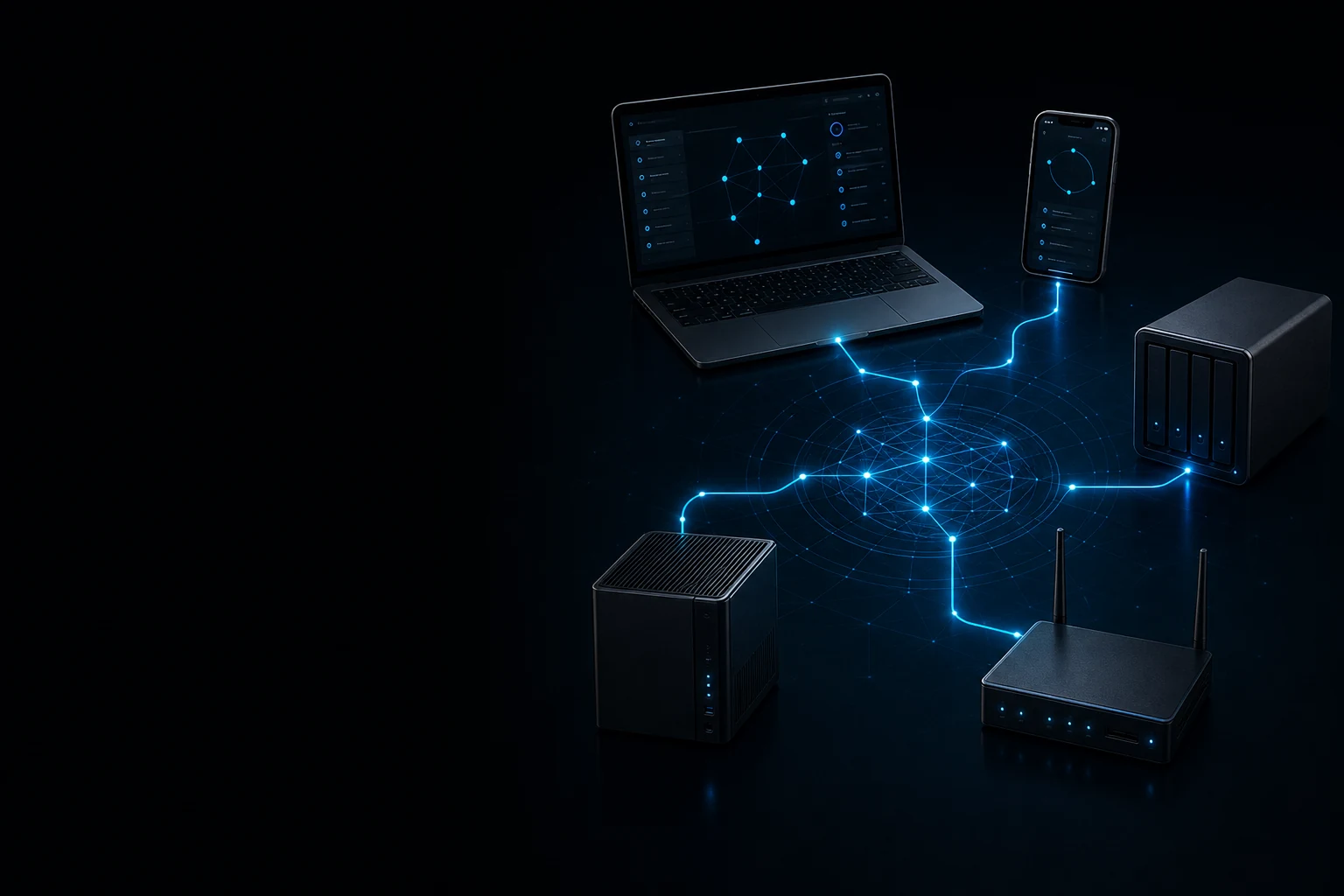
Keep file services off the public internet. Once approved, your laptop reaches private addresses as if it were at home.
Built for people and small teams
Securely connect trusted devices, private services and user-owned exits. Your devices hold the keys; you decide who gets in and where traffic leaves.
Available today · Secure mesh / Device access / Owned exits / Failover
YOUR DEVICES, SERVICES AND PLACES
Not a rented stranger’s IP. A secure path for approved devices back to your home, office and services you operate.
Keep file services off the public internet. Once approved, your laptop reaches private addresses as if it were at home.
Grant access per person and device without a shared long-lived password. Revoke a device when someone leaves.
Send IPv4, IPv6 and DNS through a home, office or cloud host you control, with fail-closed protection if the path breaks.
FROM IDENTITY TO NETWORK ACCESS
Today this uses email verification and a one-time enrollment code. We do not present that as finished enterprise SSO; OIDC and Passkey are next.
An email code verifies the applicant; the control plane issues a short-lived, single-use enrollment code.
The client generates its key locally. Enrollment is bound to that device key; the private key is never uploaded.
Approved devices prefer direct paths, falling back only to a RELAY authorized inside the same Tenant.
CLEAR, VISIBLE BOUNDARIES
01IPv4, IPv6 and DNS follow the selected exit, with fail-closed leak protection.
02Clients prompt you to review location services, browser permissions, WebRTC, Wi-Fi and Bluetooth scanning.
03We never silently change system permissions or claim to hide account history, time zone or every browser fingerprint.
SECURITY LEDGER
TLS 1.3 permits only X25519MLKEM768. Every device pair derives a WireGuard PSK from an ML-KEM-768 shared secret. ML-KEM encapsulation is authenticated with ML-DSA-65; invalid signatures, key mismatches, and missing or invalid post-quantum sessions fail closed.
A Tenant can authorize its own RELAY. It requires membership credentials and device-key proof and forwards WireGuard packets only.
Apple App Store, Android direct-release, macOS Developer ID and Windows Authenticode distribution are live. macOS notarization, Google Play distribution and an independent security audit are still unfinished.
CLIENTS
Current client releases use different distribution channels by platform. Review each signing status and installation limitation first.
13+ · Intel / Apple Silicon · v0.2.43
Install only after reviewing the signed package and SHA-256 checksum. SHA-256
Windows 10 / 11 · v0.2.43
Both archives are signed by Future Alpha LLC through Azure Artifact Signing and carry Microsoft RFC 3161 timestamps. Verify SHA-256 before installation. SHA-256
Android 8.0+ · v0.2.39
Non-debuggable v0.2.39 APK signed with the RatelMesh release certificate for Android 8.0 and newer. It is not distributed through Google Play; verify SHA-256 before installation. SHA-256
Servers / NAS · v0.2.43
For home servers, NAS systems and cloud hosts you control. SHA-256
iOS 16+ · v0.2.39
Install the published iOS and iPadOS release from the RatelMesh listing on the Apple App Store.
FAQ
WireGuard still uses Curve25519. RatelMesh adds an ML-KEM-768-derived preshared key and restricts TLS to X25519MLKEM768. This is downgrade-resistant hybrid post-quantum security.
No. The one-use enrollment code is used only when the device first registers. Device credentials remain stored locally.
The exit network can observe destination IPs, timing and volume. HTTPS content remains encrypted between your browser and the website. Use only an exit you trust.
No. Services may also use account region, device location, billing information and their own policies. RatelMesh does not override service terms.
Yes, for a bounded pilot with a family, creative team or small office. Broad production rollout should wait for the remaining signing, external audit and commercial support.